Claude Code Code Mode: what it is, how to turn it on, and when it's worth it
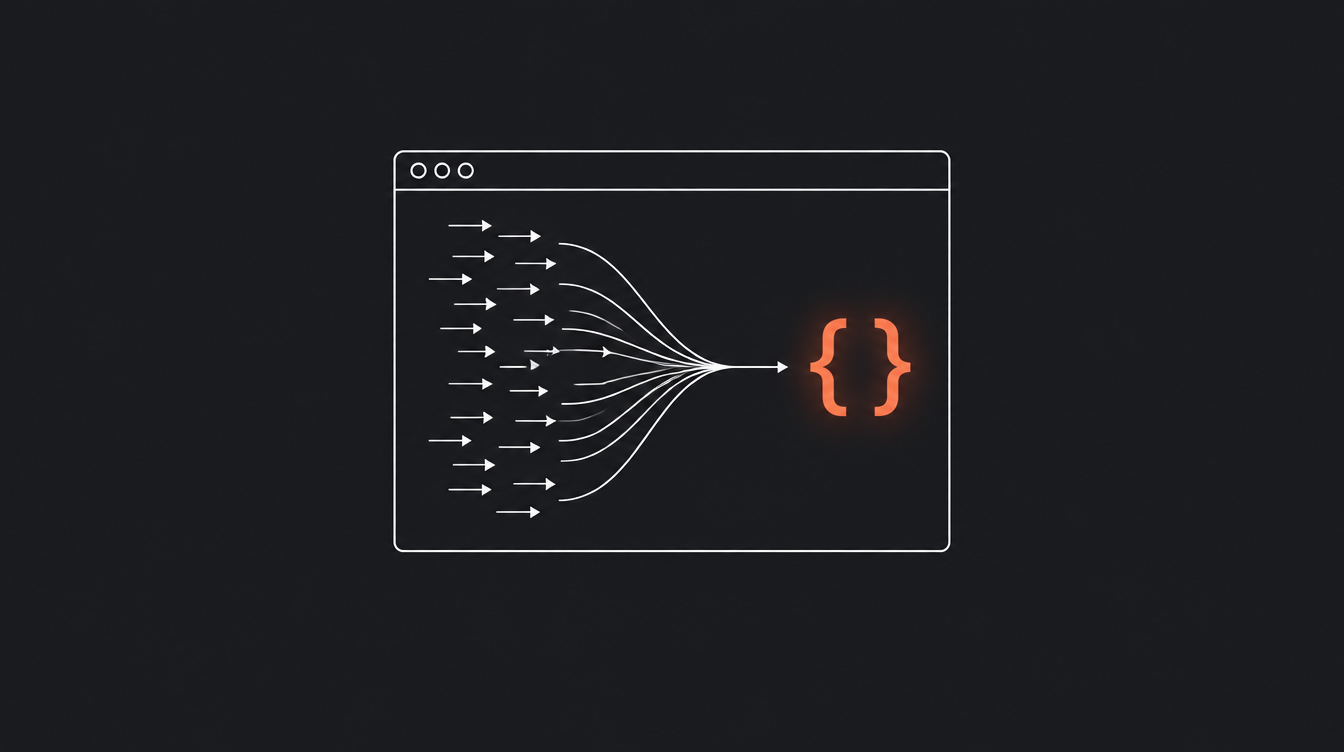
Claude Code's Code Mode is an experimental mode where Claude writes a JavaScript script that calls several tools at once, instead of making one tool call at a time. Only the script's result goes back to the model.
Here's what that looks like in practice. You ask Claude Code to change a config value across 12 files.
It runs a grep. Reads the result. Opens the first file. Edits. Opens the second. Edits. Runs the tests. Reads the entire test output.
Every step is a round trip to the model. Every intermediate output lands in the context and stays there, taking up space and burning tokens until the session ends.
Code Mode goes straight at that. Instead of asking for one tool at a time, Claude writes a JavaScript script that orchestrates the calls, Claude Code runs it on your machine, and only the final result goes back to the model.
It's experimental. It ships off. And Anthropic itself warns that it may change or be removed in any release. In this post you'll see what it does under the hood, how to turn it on, how to keep permissions under control, how to block it across your whole company, and what the numbers (the few that exist) say about when it pays off.
TL;DR
- What it is: an experimental mode where Claude writes JavaScript to call its tools (Bash, Read, Edit, MCP) in a single script, instead of one tool call at a time.
- How to enable:
CLAUDE_CODE_EXPERIMENTAL_CODE_MODE=1in your environment or in~/.claude/settings.json, then confirm at the first-session prompt. - Requirements: Claude Code v2.1.323+, native build, interactive terminal session, Opus 5.5, Sonnet 5.5, Haiku 5.5 or Fable 5.2.
- Cost/Access: no extra cost. Works with a Claude subscription, a Console account and, since v2.1.331, Bedrock, Agent Platform and Foundry.
- Verdict: wins on repetitive, many-file work. Breaks even or loses on small tasks. Test it before you put it in your team's workflow.
- Official docs: code.claude.com/docs/en/code-mode
From tool call to tool script: what changes with Code Mode
The classic agent loop is simple: the model asks for a tool, the harness runs it, the output goes back into context, the model decides the next step. Repeat.
It works. But it has two hidden costs.
The first is latency. Every tool call is a full model inference. Ten files, ten rounds.
The second is context. Every step's output goes into the history, including output that only mattered for deciding the next step. That grep that returned 300 lines when you needed 3? Still there.
In Code Mode, Claude gets a tool called REPL. It writes a chunk of JavaScript, and inside that chunk:
$`...`runs shell commands;edit()andwrite()touch files;- file, web and MCP tools are called by their usual name (
Bash, the MCP tool's name, etc.); - only the value of the last expression goes back to the model.
Filtering, looping and parallelism happen in code. The model only reads the summary.
If this sounds familiar, that's because it isn't new. We already broke down the pattern on this blog in programmatic tool calling and in Cloudflare's Code Mode MCP. The difference now is that it's native to Claude Code: the script runs locally, against Claude Code's own tools and permission system, with no remote sandbox or MCP server in the middle.
Flipping an experimental flag is easy. The hard part is having the judgment to decide whether it belongs in your team's workflow, measuring before and after, and comparing notes with people testing the same thing. That's exactly the kind of experiment we run every week, live and together, in the Clã Beer and Code.
Prerequisites
Before exporting the variable, go through the list. Code Mode is picky, and if anything is missing it simply won't turn on.
- [ ] Claude Code v2.1.323 or later, on any channel. For Bedrock, Google Cloud Agent Platform or Microsoft Foundry, v2.1.331 or later.
- [ ] Native build of Claude Code. On Windows, Git for Windows installed (script shell commands run in Git Bash).
- [ ] Interactive terminal session. It doesn't run in the VS Code panel, the Desktop app or cloud sessions.
- [ ] Supported model: Opus 5.5, Sonnet 5.5, Haiku 5.5 or Fable 5.2. Watch out for aliases like
sonnet, which on some providers still point to an older model. - [ ] Account: Claude subscription, Console or a cloud provider. Not supported through a gateway, with Claude for Government, or in organizations with HIPAA or zero data retention.
Check your version with:
claude --version
Hands-on: how to enable Code Mode in Claude Code
Step 1: turn it on
To try it for a single session:
CLAUDE_CODE_EXPERIMENTAL_CODE_MODE=1 claude
In PowerShell:
$env:CLAUDE_CODE_EXPERIMENTAL_CODE_MODE = "1"; claude
To keep it on for every session, put it in ~/.claude/settings.json:
{
  "env": {
    "CLAUDE_CODE_EXPERIMENTAL_CODE_MODE": "1"
  }
}
On the first session you'll get a prompt. Pick Yes, turn on Code Mode. The session restarts and shows:
Code Mode (experimental) is on · this session can be resumed only with Code Mode on
One important security detail: Claude Code ignores this variable in project settings. So a cloned repository can't turn Code Mode on for you. Only you can, in your environment or your user settings.
To turn it off, remove the variable or set it to 0. A 0 in any source beats a 1 in the others.
Step 2: your first script
You don't write the script. Claude does. But understanding what it generates is what separates using the feature from blindly trusting it.
Here's the example from the official docs:
const files = await $`rg -l "function retryPolicy" src`.text();
const target = files.trim().split("\n")[0];
await edit(target, "maxAttempts: 3", "maxAttempts: 5");
({ edited: target, tests: $`npm test -- retryPolicy`.nothrow() });
Line by line:
- Runs
ripgrepand grabs the output as text. The file list does not go into the model's context. - Picks the first file in the list, in plain JavaScript.
- Makes the edit.
- Runs the tests with
.nothrow()(a failure doesn't throw) and returns an object with the edited file and the test result. Only that goes back to the model.
In classic mode, that would be three or four tool calls, each one dumping its output into the history.
In the transcript you still see the tool calls (the edit's diff shows up as usual). The code sits in a collapsible Code line. Press Ctrl+O to open the transcript and read the full script. Ctrl+O again takes you back.
The docs recommend Code Mode for three cases: the same change across many files, a search whose results need filtering before they reach the model, and independent commands that can run in parallel.
Step 3: keep your hands on the wheel
This is the part that matters if you use this on real projects.
deny and ask rules and PreToolUse hooks still apply to every call the script makes, under the tool's usual name. A Bash(git push *) in ask stops the push even from inside the script.
If you want to approve every script before it runs:
{
  "permissions": {
    "ask": ["REPL"]
  }
}
To inspect the code automatically, use a PreToolUse hook with matcher: "REPL". The code arrives in tool_input.code:
{
  "hooks": {
    "PreToolUse": [
      {
        "matcher": "REPL",
        "hooks": [
          { "type": "command", "command": "~/.claude/hooks/check-repl.sh" }
        ]
      }
    ]
  }
}
On the way back, a PostToolUse hook with the same matcher receives tool_response (with code, result, stdout, stderr and toolsUsed) and can return a modified copy in updatedToolOutput. Use it to mask secrets or sensitive data before they reach the model.
Be careful with hooks that only grep the code. Checking whether the script contains the string .env won't catch a script that builds the path at runtime ("." + "env"). Per-call permission rules are the layer that actually holds. A hook on the code is just one more filter.
Step 4: block it for the whole company
If you're a tech lead and don't want an experimental feature running across the team, set the variable to 0 in managed settings:
{
  "env": {
    "CLAUDE_CODE_EXPERIMENTAL_CODE_MODE": "0"
  }
}
Managed settings can only forbid. There's no way to turn Code Mode on for users from them. Anyone already in a Code Mode session stays in it until they quit or restart, and after that they can't resume that session while the 0 is in place. Blocked users see the message your organization's settings don't allow it.
If your team connects through a cloud provider, ship this config via MDM or a managed settings file. The docs warn that a user who sets a provider variable (like CLAUDE_CODE_USE_BEDROCK) in their own shell can start Code Mode without receiving server-managed settings.
A tutorial shows you the way — in the Clã you build alongside us. A live class every week, real AI Engineering projects, next to people already in production.
Join the ClãDoes Code Mode actually save tokens? The numbers that exist
Short answer: it depends on the task, and Anthropic hasn't published a benchmark.
The docs don't include any token or latency figures. The only official performance data point is in the changelog: v2.1.328 removed a 0.75-second pause that happened after most scripts.
What exists are community tests:
| Source | Setup | Result |
|---|---|---|
| Rakhul Karthick | 4 tasks, 2 runs each, Opus 5.5 | 1.72M → 932k tokens (−46%). Equivalent API cost: US$ 1.96 → US$ 1.27 (−35%) |
| Test cited by InfoQ | 8 runs, Sonnet 5.5 | Context 20% to 25% smaller; −37% tokens on a large task. Wasn't faster and cost more on a small task |
| Flavio Copes | Single runs | Link checking: 35s → 15s. Build + tsc + outdated: 17s → 14s |
On Rakhul's tasks (processing 40 invoices, checking links across 30 pages, 60 receipts, 10 Notion pages), savings landed between 40% and 55%. The pattern is the same across all three sources: lots of items, the same operation repeated, and intermediate output that doesn't need to reach the model.
On a small task, the overhead of writing the script eats the gain.
None of these numbers is a controlled benchmark. They're signals. Before you believe any of them, measure on your own repository with /usage before and after.
Limitations and gotchas
The auto mode classifier looks at the code, not the runtime. In auto mode, the classifier reviews the script before it runs, not each call. It can't see values computed at runtime. A dynamically built path gets past the classifier without it knowing the final target. Per-call deny/ask rules still apply, and they're what actually holds.
The sandbox doesn't cover everything. The script's shell commands go through the sandbox. The JavaScript itself and the file, web and MCP calls do not. If you need real isolation, run inside a container or VM.
Sessions are tied to the mode. A session started with Code Mode only resumes with it on. And a session that ran on a subscription or Console can't be resumed on a cloud provider.
Timeout. If you're waiting on it, the script stops after 10 minutes. In the background it can run up to 2 hours, but only in auto mode or bypassPermissions.
What's left out. Remote Control, Claude in Chrome and computer use don't work with Code Mode. The session can't move to the Desktop app or become a background session. In agent teams (v2.1.326+), teammates only run in Code Mode in in-process mode, not in split panes.
claude -p and the Agent SDK: gray area. Some secondary sources say it doesn't work. The v2.1.332 changelog mentions Code Mode fixes on those paths. The docs don't settle it. If your pipeline is headless, test before assuming anything.
It really is experimental. In just v2.1.328 and v2.1.329, hook behavior under Code Mode changed twice. Don't build critical automation on top of it yet.
When to turn Code Mode on (and when not to)
| Turn it on | Leave it off |
|---|---|
| Mechanical refactor across dozens of files | One-off bug in a single file |
| A search that returns a lot when you need a little | Regulated environments (HIPAA, ZDR), where it doesn't even run |
| Independent commands that can run in parallel | Critical headless pipelines, until -p support is clear |
| Batches of files (invoices, logs, reports) | Teams without well-defined deny/ask rules |
The last row is the most important one. Code Mode doesn't make security worse if your permission setup is already solid. If it's weak, Code Mode just makes the problem move faster.
FAQ
Is Claude Code's Code Mode safe?
It's as safe as your permission rules. deny, ask and PreToolUse hooks apply to every call the script makes. There are two weak spots: the auto mode classifier only sees the code, not runtime values, and the sandbox doesn't cover the JavaScript or file, web and MCP calls. For full isolation, use a container.
Does Code Mode save tokens?
On repetitive tasks with lots of items, community tests show 20% to 55% fewer tokens. On small tasks it can cost more. Anthropic hasn't published official numbers. Measure with /usage on your own repository before drawing conclusions.
Does it work in VS Code or the Desktop app?
No. Code Mode only runs in the interactive claude terminal session, on the native build. The VS Code panel, the Desktop app and cloud sessions are out.
How do I turn Code Mode off?
Remove the CLAUDE_CODE_EXPERIMENTAL_CODE_MODE variable or set it to 0. A 0 in any source beats a 1 in another. Remember that sessions started with Code Mode only resume with it on.
Conclusion
Code Mode is Claude Code natively adopting a pattern that was already proving itself in the API and in MCP: let the model write the code that orchestrates the tools, instead of orchestrating one tool call at a time.
The gain is real when the task has volume. So is the risk: the classifier sees less, the sandbox covers less, and the feature still changes every week.
The right way to use it today: turn it on in a personal project, hit Ctrl+O to read what it writes, measure with /usage, and only then think about bringing it to your team.
If you haven't read it yet, the next step is understanding the pattern underneath in programmatic tool calling. That's what explains why this feature exists.

{AI Engineer} — apaixonado por Laravel, arquitetura de software e construir produtos com impacto. Compartilho aqui tutoriais, descobertas e reflexões sobre o dia a dia de engenharia.
There is no shortage of content. What is missing is someone to untangle it: what matters now is how to implement it the right way. In the Clã you get that live, every week, with people who have already filtered out the noise.
Join the Clã